📘 DAY 8: HTML STYLES
1️⃣ What are HTML Styles?
HTML Styles are used to change the appearance of HTML elements.
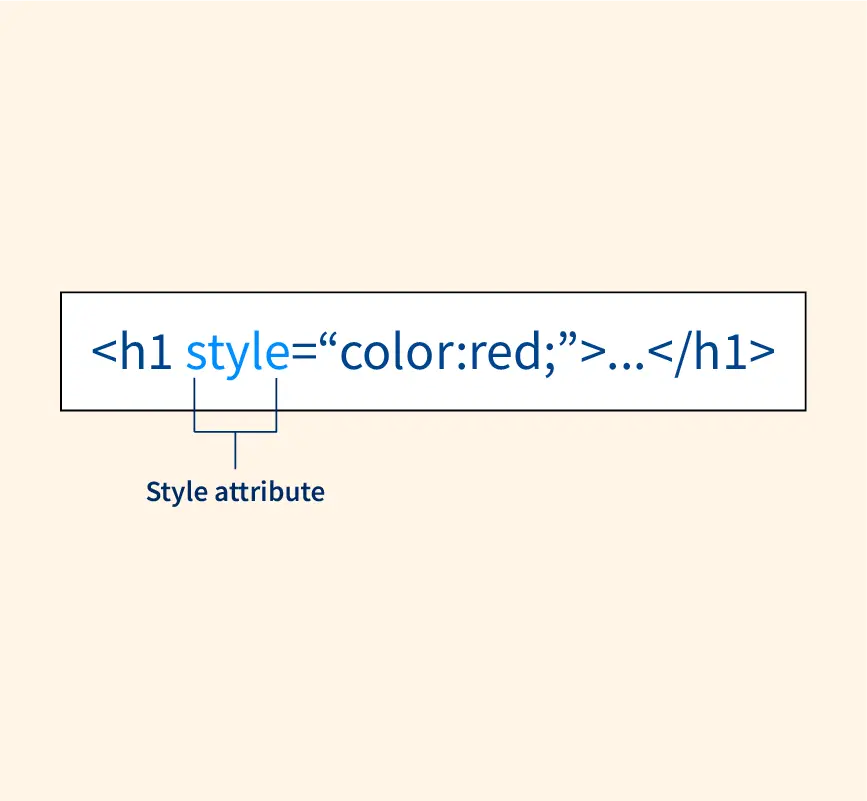
Styles are applied using the style attribute.
👉 HTML handles structure
👉 Styles control look & design
2️⃣ The style Attribute
The style attribute is used to apply inline CSS.
Syntax:
3️⃣ Basic Style Example
4️⃣ Common Style Properties
🔹 Text Color
🔹 Background Color
🔹 Font Size
🔹 Font Family
5️⃣ Multiple Styles in One Element
You can apply more than one style.
👉 Separate properties using semicolon (;)
6️⃣ Text Alignment
7️⃣ Styling Headings
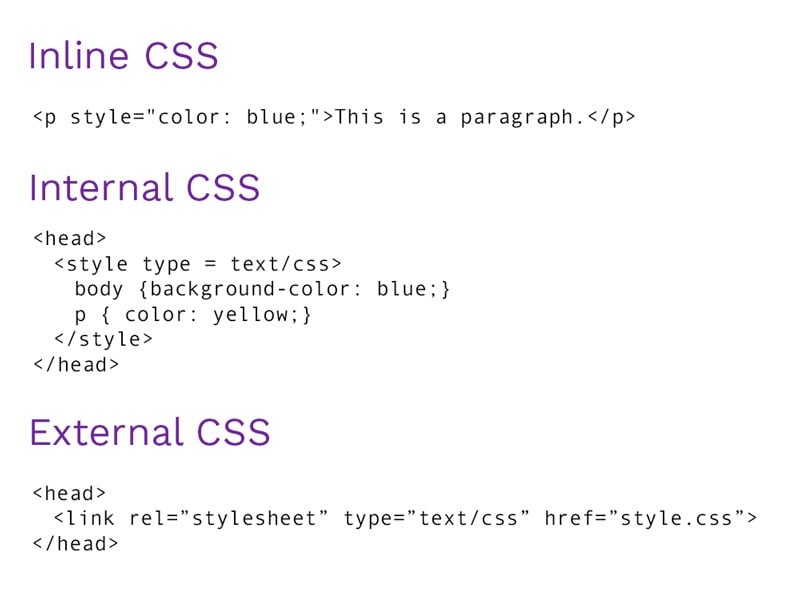
8️⃣ HTML Styles vs CSS
HTML Styles use inline CSS.
❌ Not Recommended for:
Large websites
Reusable design
Clean code
✅ Good for:
Learning basics
Small examples
Quick changes
👉 External CSS is better (later topic)
9️⃣ Common Color Values
HTML supports:
Color names (
red,blue)HEX (
#ff0000)RGB (
rgb(255,0,0))
Example:
🔟 Common Beginner Mistakes
❌ Forgetting semicolon
❌ Writing wrong property names
❌ Mixing quotes incorrectly
❌ Using styles everywhere
1️⃣1️⃣ Practice Example
1️⃣2️⃣ Interview / Viva Questions
What are HTML styles?
What is
styleattribute?How do you change text color?
Can we apply multiple styles?
Is inline CSS recommended?
1️⃣3️⃣ Summary
HTML styles control appearance
Applied using
styleattributeInline styles use CSS syntax
Good for small examples
CSS is better for large projects
0 comments:
Post a Comment